


By Elias Shekh Writes the guides on this blog and builds the tools they describe.
Developer Tools Field Guide: Formatting, Encoding, and Debugging Faster
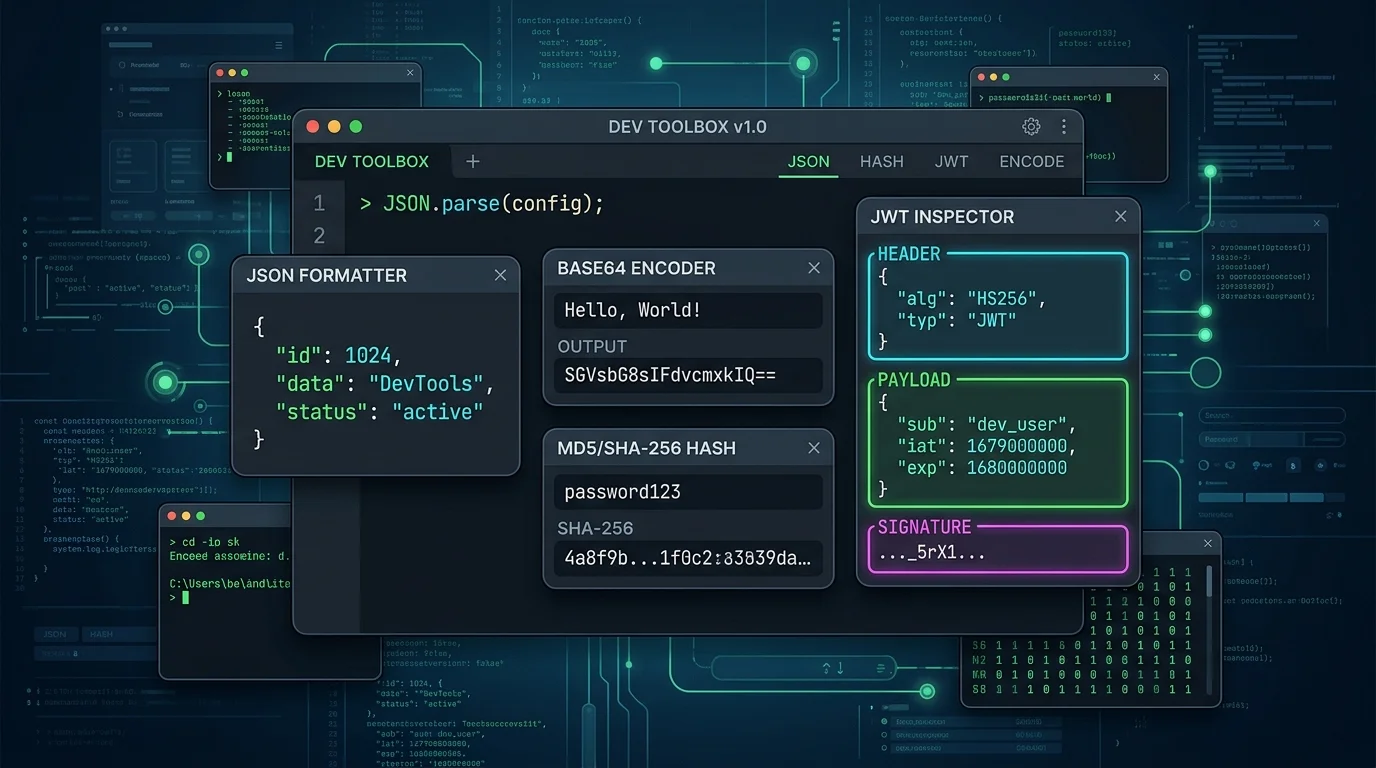
Most developer tools aren't complicated — a JSON formatter, a Base64 decoder, a UUID generator — but they add up to a surprising amount of context-switching over the course of a day. Each one is a five-second task on its own, wrapped in thirty seconds of finding a tool you trust, waiting for a page to load its ads, and hoping it isn't logging whatever you just pasted in. This is a field guide to the utilities that come up constantly, and when each one actually earns its place in a workflow.
Formatting and validating structured data
JSON, YAML, XML, and SQL all get pasted around as unformatted single-line blobs — from a log line, an API response, or a minified config — and reading them in that state is nearly impossible. A formatter re-indents the structure and, just as importantly, validates it: catching a missing comma or an unclosed bracket before it causes a confusing downstream error. This is usually the very first step when debugging any API response that "looks wrong."
Encoding, decoding, and hashing
These are distinct operations that get lumped together, and it's worth keeping them straight:
- Base64 is reversible encoding — used to safely transport binary data as text (embedding images, encoding auth headers). Anyone can decode it back to the original.
- URL encoding escapes characters that aren't safe in a URL (spaces, ampersands, slashes) so query strings don't break.
- Hashing (MD5, SHA family) is one-way — it produces a fixed-length fingerprint of the input that can't be reversed. Useful for checksums and verifying file integrity, not for anything requiring reversibility.
Mixing these up — like assuming Base64 is a form of encryption — is a common and avoidable security mistake.
Inspecting JWTs
A JWT is three Base64-encoded segments — header, payload, signature — separated by dots. Decoding one reveals the claims inside (user ID, expiry, roles) without needing the signing secret, which is fine for inspection but worth remembering: anyone who intercepts a JWT can read its contents, even if they can't forge a new valid one. A decoder that clearly separates the three segments and flags an expired `exp` claim saves a lot of "why is this token invalid" debugging.
Generating UUIDs, passwords, and random data
UUID v4 generation comes up constantly for database primary keys, idempotency keys, and test fixtures — and it needs to be genuinely random, not just a pattern. Password generators serve a similar but distinct purpose: producing strings that hit specific composition rules (length, symbols, no ambiguous characters) for accounts and API keys rather than for use as unique identifiers.
Reading cron expressions and timestamps
Cron syntax is compact and easy to misread — `0 */6 * * *` and `0 6 * * *` look almost identical but mean "every 6 hours" versus "once at 6am." A parser that translates the expression into plain English before it's deployed to a scheduler prevents jobs from running far more (or less) often than intended. Timestamp conversion solves a related problem: reconciling a Unix epoch value in a log line against a human date without doing the arithmetic by hand.
A workflow for a typical debugging session
- Paste the raw API response into a JSON formatter to make it readable.
- Decode any Base64 or JWT values found inside it.
- Convert any Unix timestamps to check whether dates line up with expectations.
- If something needs to be regenerated, grab a fresh UUID or hash on the spot.
None of these steps are individually hard — the value is in having all of them in one place, fast enough that reaching for them doesn't break flow, and without pasting sensitive tokens into a tool that quietly logs everything it sees.