


By Elias Shekh Writes the guides on this blog and builds the tools they describe.
QR Codes Explained: Static vs Dynamic, Wi-Fi, vCard, and Bulk Generation
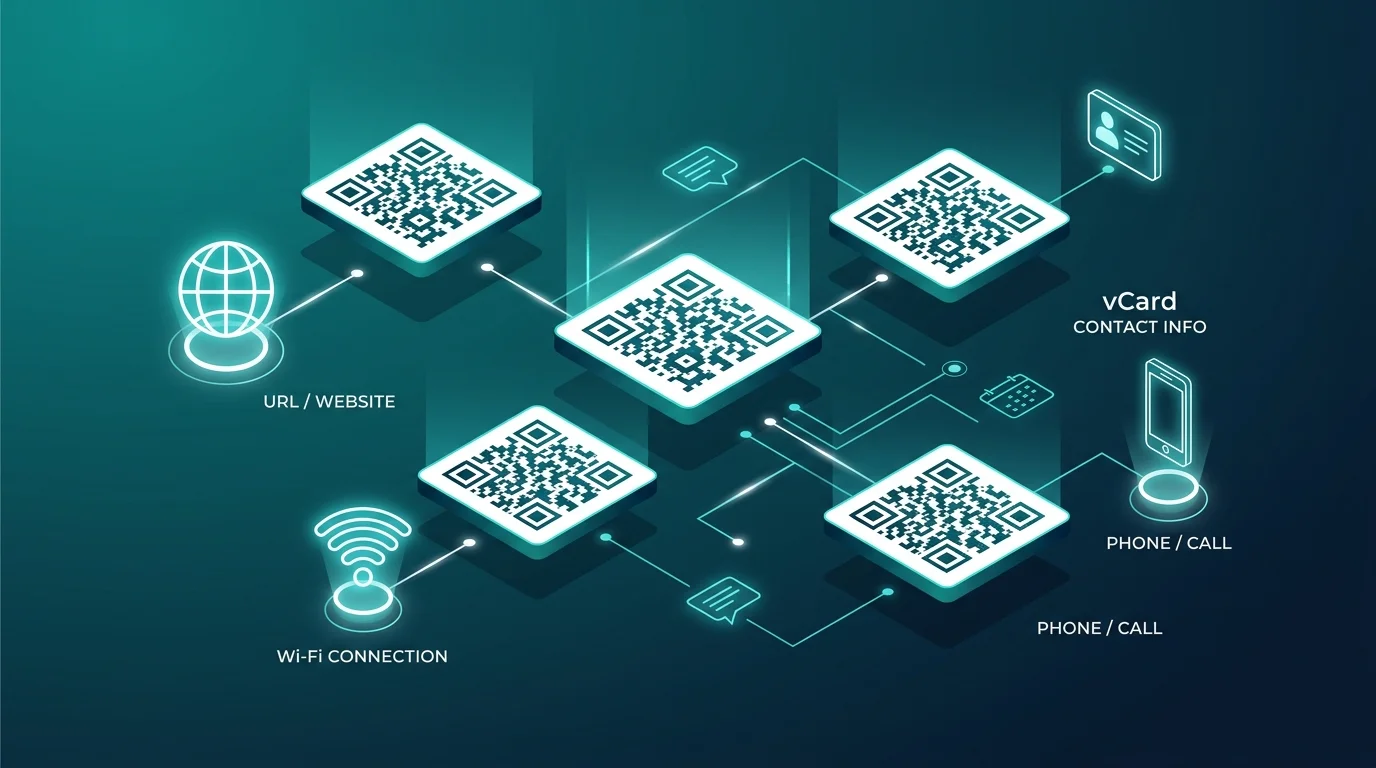
QR codes look identical at a glance, but the one you generate can behave very differently depending on what's actually encoded inside it. Picking the wrong type — or generating one incorrectly — is how you end up with a code printed on a thousand flyers that can never be updated. Here's what to know before generating your next one.
Static vs dynamic QR codes
A static QR code encodes the destination directly — a URL, some text, a phone number. Once printed, it can never be changed; scanning it always leads to exactly what was encoded at creation time. Static codes are the right choice for anything permanent: a plaque, an engraved product, or a one-time document reference.
A dynamic QR code instead encodes a short redirect link that you control, which then forwards to the real destination. Because the redirect target can be updated after printing, dynamic codes are the right choice for anything that might change — a menu, a marketing landing page, or a link you'll want to swap out for a seasonal promotion without reprinting materials.
The trade-off: dynamic codes depend on the redirect service staying online indefinitely, while static codes work forever with no dependency on anything.
Wi-Fi QR codes
A Wi-Fi QR code lets a phone camera join a network directly, without anyone typing a password. Under the hood it encodes the network name (SSID), password, and encryption type in a specific format that phones recognize automatically. These are especially useful for guest networks, cafes, and offices where the password is long or changes often — print one card instead of writing the password on a whiteboard.
vCard QR codes
A vCard QR code encodes an entire contact card — name, phone, email, company — so scanning it offers to save the contact directly, rather than opening a webpage. This is the standard for business cards, conference badges, and email signatures: instead of manually typing a new contact, the recipient scans and saves in one step.
Generating QR codes in bulk
Bulk generation matters when you need many unique codes at once — one per product SKU, one per event ticket, one per table in a restaurant. Rather than generating codes one at a time, a bulk tool takes a list of values (often from a spreadsheet) and produces one code per row, keeping the mapping between each code and its source data intact so nothing gets mismatched.
Scanning and decoding
Sometimes the job runs in reverse: you have a QR code — printed, screenshotted, or in a photo — and need to know what it actually contains before trusting it. A browser-based scanner reads the code straight from a camera or an uploaded image and shows the decoded content before you visit any link, which is a meaningfully safer habit than scanning blind with a phone camera that auto-opens URLs.
Picking the right type for your use case
- Permanent, never changes → static QR code.
- Might update later (menu, promo, landing page) → dynamic QR code.
- Sharing a network password → Wi-Fi QR code.
- Sharing contact details → vCard QR code.
- Need many unique codes at once → bulk generation.
Getting this choice right up front avoids the most common QR code mistake: printing thousands of static codes for something that was always going to change.